
274 lines
4.7 KiB
Markdown
274 lines
4.7 KiB
Markdown
---
|
|
title: Masonry Card
|
|
icon: ri:layout-masonry-line
|
|
createTime: 2025/10/08 17:17:06
|
|
permalink: /en/guide/components/card-masonry/
|
|
---
|
|
|
|
## Overview
|
|
|
|
The Masonry Card is a versatile container component that automatically calculates the height of
|
|
each **item** and arranges them in a masonry layout. Any content can be placed within `<CardMasonry>`.
|
|
|
|
::: details What is an item?
|
|
|
|
An item represents individual content such as an image, text, video, etc.
|
|
|
|
- In Markdown syntax, any content occupying its own line (with blank lines before and after) is considered an item.
|
|
- In HTML structure, each direct child element of the container is considered an item.
|
|
|
|
:::
|
|
|
|
```md
|
|
<CardMasonry>
|
|
|
|
<img src="..." alt="...">
|
|
|
|
<!-- More content -->
|
|
|
|
</CardMasonry>
|
|
```
|
|
|
|
## Props
|
|
|
|
:::: field-group
|
|
|
|
::: field name="cols" type="number | { sm: number, md: number, lg: number }" optional
|
|
Number of columns.
|
|
|
|
The component automatically adjusts the number of columns based on screen width by default.
|
|
Three columns are displayed when space permits, while two columns are shown on smaller screens.
|
|
|
|
The `cols` prop configures the number of columns. When a `number` is provided,
|
|
all screen sizes display `number` columns. When `{ sm: number, md: number, lg: number }` is provided,
|
|
the number of columns adjusts automatically based on screen width.
|
|
|
|
- `sm` : `< 640px`
|
|
- `md` : `>= 640px < 960px`
|
|
- `lg` : `>= 960px`
|
|
:::
|
|
|
|
::: field name="gap" type="number" optional default="16"
|
|
Gap between columns.
|
|
:::
|
|
|
|
::::
|
|
|
|
## Markdown Syntax Support
|
|
|
|
In Markdown, the `::: card-masonry` container can be used instead of `<CardMasonry>`.
|
|
|
|
``` md
|
|
::: card-masonry cols="3" gap="16" <!-- [!code hl]-->
|
|
|
|

|
|
|
|
<!-- More content -->
|
|
|
|
::: <!-- [!code hl]-->
|
|
```
|
|
|
|
## Examples
|
|
|
|
### Image Masonry
|
|
|
|
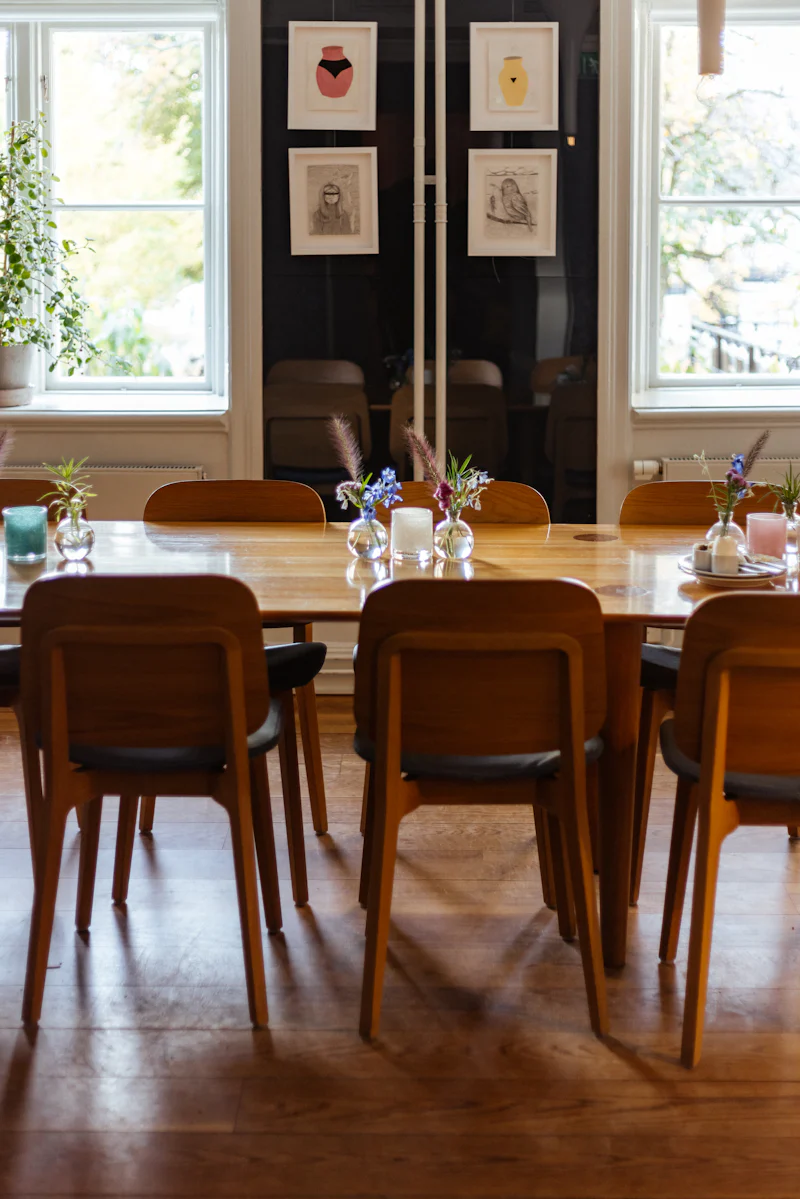
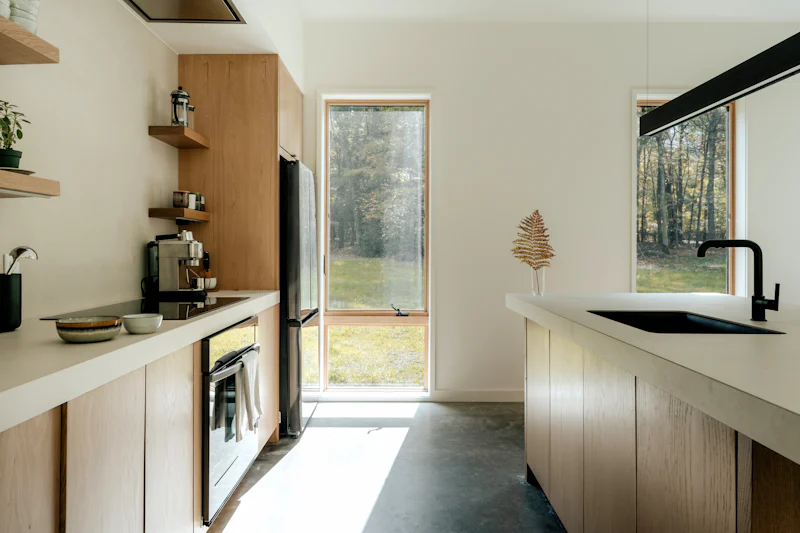
Masonry layout is particularly suitable for displaying images. You can directly place `` within `::: card-masonry`.
|
|
|
|
**Input:**
|
|
|
|
``` md
|
|
::: card-masonry
|
|
|
|

|
|
|
|

|
|
|
|

|
|
|
|

|
|
|
|

|
|
|
|

|
|
|
|
:::
|
|
```
|
|
|
|
**Output:**
|
|
|
|
::: card-masonry
|
|

|
|
|
|

|
|
|
|

|
|
|
|
|
|
|
|
|
|
|
|

|
|
|
|

|
|
:::
|
|
|
|
### Card Masonry
|
|
|
|
Masonry layout is also suitable for displaying cards. You can place `::: card` containers within `::: card-masonry`.
|
|
|
|
**Input:**
|
|
|
|
``` md :collapsed-lines
|
|
:::: card-masonry
|
|
|
|
::: card title="Card 1"
|
|
Card content
|
|
:::
|
|
|
|
::: card title="Card 2"
|
|
Card content
|
|
|
|
Additional card content
|
|
:::
|
|
|
|
::: card title="Card 3"
|
|
Card content
|
|
:::
|
|
|
|
::: card title="Card 4"
|
|
Card content
|
|
:::
|
|
|
|
::: card title="Card 5"
|
|
Card content
|
|
|
|
Additional card content
|
|
:::
|
|
|
|
::: card title="Card 6"
|
|
Card content
|
|
:::
|
|
|
|
::::
|
|
```
|
|
|
|
**Output:**
|
|
|
|
:::: card-masonry
|
|
|
|
::: card title="Card 1"
|
|
Card content
|
|
:::
|
|
|
|
::: card title="Card 2"
|
|
Card content
|
|
|
|
Additional card content
|
|
:::
|
|
|
|
::: card title="Card 3"
|
|
Card content
|
|
:::
|
|
|
|
::: card title="Card 4"
|
|
Card content
|
|
:::
|
|
|
|
::: card title="Card 5"
|
|
Card content
|
|
|
|
Additional card content
|
|
:::
|
|
|
|
::: card title="Card 6"
|
|
Card content
|
|
:::
|
|
|
|
::::
|
|
|
|
### Code Block Masonry
|
|
|
|
**Input:**
|
|
|
|
````md :collapsed-lines
|
|
:::card-masonry
|
|
|
|
```ts
|
|
const a = 1
|
|
```
|
|
|
|
```json
|
|
{
|
|
"name": "John"
|
|
}
|
|
```
|
|
|
|
```css
|
|
p {
|
|
color: red;
|
|
}
|
|
```
|
|
|
|
```html
|
|
<html>
|
|
<body>
|
|
<h1>Hello world</h1>
|
|
</body>
|
|
</html>
|
|
```
|
|
|
|
```ts
|
|
const a = 12
|
|
const b = 1
|
|
```
|
|
|
|
```rust
|
|
fn main() {
|
|
println!("Hello, world!");
|
|
}
|
|
```
|
|
|
|
:::
|
|
````
|
|
|
|
**Output:**
|
|
|
|
:::card-masonry
|
|
|
|
```ts
|
|
const a = 1
|
|
```
|
|
|
|
```json
|
|
{
|
|
"name": "John"
|
|
}
|
|
```
|
|
|
|
```css
|
|
p {
|
|
color: red;
|
|
}
|
|
```
|
|
|
|
```html
|
|
<html>
|
|
<body>
|
|
<h1>Hello world</h1>
|
|
</body>
|
|
</html>
|
|
```
|
|
|
|
```ts
|
|
const a = 12
|
|
const b = 1
|
|
```
|
|
|
|
```rust
|
|
fn main() {
|
|
println!("Hello, world!");
|
|
}
|
|
```
|
|
|
|
:::
|