mirror of
https://github.com/pengzhanbo/vuepress-theme-plume.git
synced 2026-04-23 10:58:13 +08:00

274 lines
4.7 KiB
Markdown
274 lines
4.7 KiB
Markdown
---
|
||
title: 瀑布流容器
|
||
icon: ri:layout-masonry-line
|
||
createTime: 2024/12/14 17:17:06
|
||
permalink: /guide/components/card-masonry/
|
||
---
|
||
|
||
## 概述
|
||
|
||
瀑布流容器是一个通用的容器组件,你可以把任何内容放到 `<CardMasonry>` 里面,容器会自动计算每一个 **项** 的高度,
|
||
然后将它们按照瀑布流的方式进行排列。
|
||
|
||
::: details 什么是项 ?
|
||
|
||
项 表示的是一个单独的内容,可以是图片、文字、视频等等。
|
||
|
||
- 从 markdown 的语法而言,独占一行的可以被认为是一个项。(该行的前后应该有空行)
|
||
- 从 html 的结构而言,容器下的每一个子元素都会被认为是一个项。
|
||
|
||
:::
|
||
|
||
```md
|
||
<CardMasonry>
|
||
|
||
<img src="..." alt="...">
|
||
|
||
<!-- 更多内容 -->
|
||
|
||
</CardMasonry>
|
||
```
|
||
|
||
## Props
|
||
|
||
:::: field-group
|
||
|
||
::: field name="cols" type="number | { sm: number, md: number, lg: number }" optional
|
||
列数。
|
||
|
||
组件默认会根据屏幕宽度自动调整列数。在空间足够时,默认显示三列,小屏幕下显示双列。
|
||
|
||
你可以通过 `cols` 配置列数。当传入 `number` 时,所有尺寸均显示为 `number` 个卡片。
|
||
传入 `{ sm: number, md: number, lg: number }` 时,根据屏幕宽度自动调整列数。
|
||
|
||
- `sm` : `< 640px`
|
||
- `md` : `>= 640px < 960px`
|
||
- `lg` : `>= 960px`
|
||
:::
|
||
|
||
::: field name="gap" type="number" optional default="16"
|
||
列之间的间距。
|
||
:::
|
||
|
||
::::
|
||
|
||
## Markdown 语法支持
|
||
|
||
在 markdown 中,可以使用 `::: card-masonry` 容器代替 `<CardMasonry>`。
|
||
|
||
``` md
|
||
::: card-masonry cols="3" gap="16" <!-- [!code hl]-->
|
||
|
||

|
||
|
||
<!-- 更多内容 -->
|
||
|
||
::: <!-- [!code hl]-->
|
||
```
|
||
|
||
## 示例
|
||
|
||
### 图片瀑布流
|
||
|
||
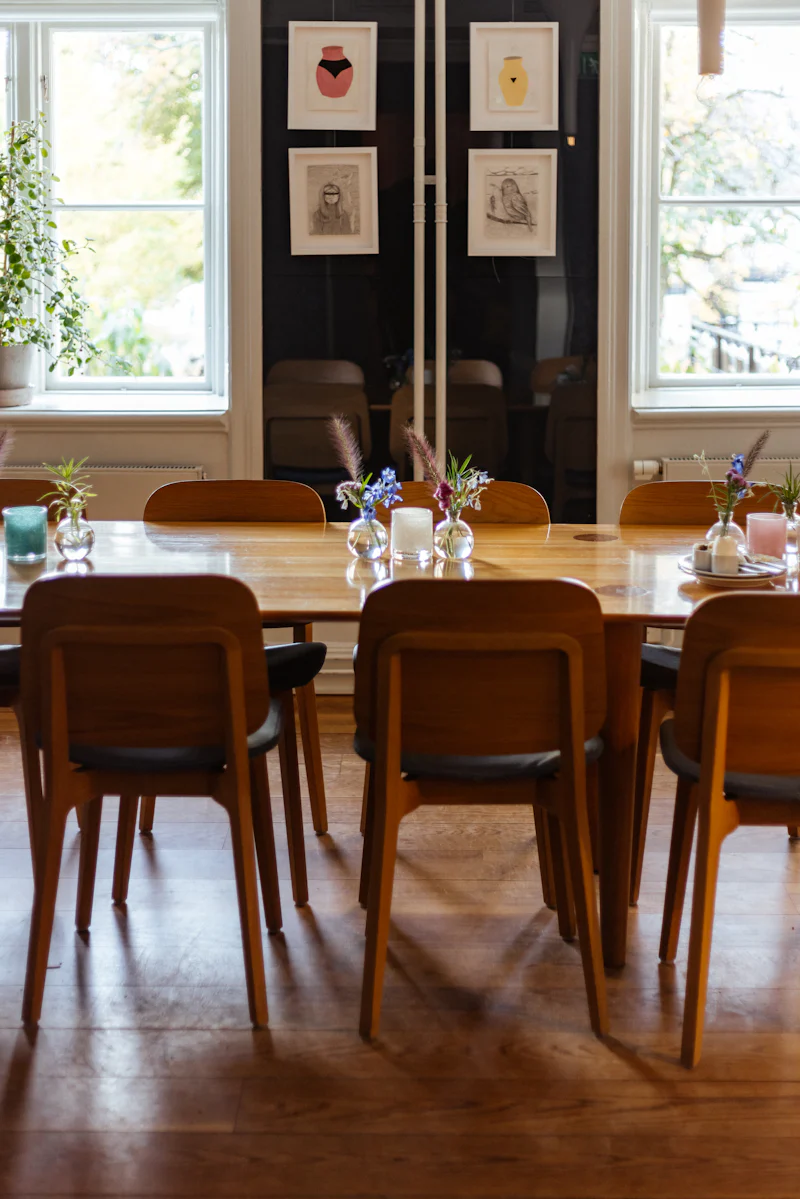
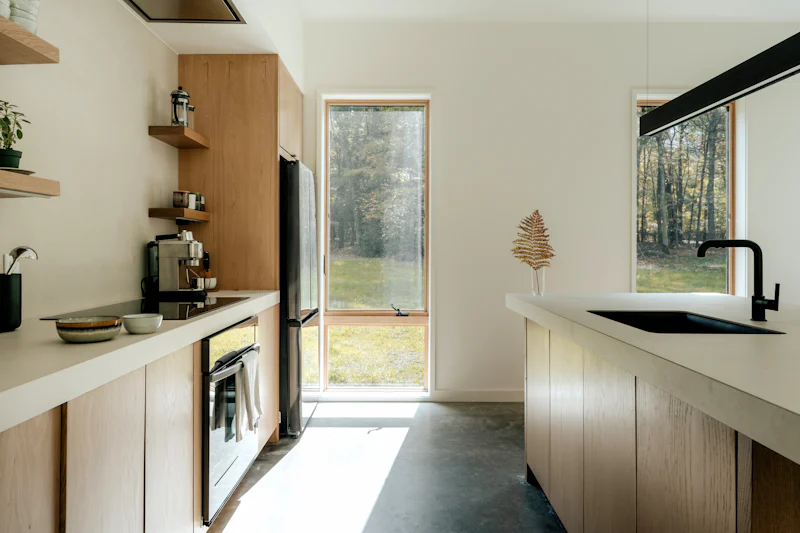
瀑布流特别适合用于展示图片,你可以直接在将 `` 写到 `::: card-masonry` 中。
|
||
|
||
**输入:**
|
||
|
||
``` md
|
||
::: card-masonry
|
||
|
||

|
||
|
||

|
||
|
||

|
||
|
||

|
||
|
||

|
||
|
||

|
||
|
||

|
||
|
||
:::
|
||
```
|
||
|
||
**输出:**
|
||
|
||
::: card-masonry
|
||

|
||
|
||

|
||
|
||

|
||
|
||
|
||
|
||
|
||
|
||

|
||
|
||

|
||
:::
|
||
|
||
### 卡片瀑布流
|
||
|
||
瀑布流也适合用于展示卡片,你可以直接在将 `::: card` 写到 `::: card-masonry` 中。
|
||
|
||
**输入:**
|
||
|
||
``` md :collapsed-lines
|
||
:::: card-masonry
|
||
|
||
::: card title="卡片1"
|
||
卡片内容
|
||
:::
|
||
|
||
::: card title="卡片2"
|
||
卡片内容
|
||
|
||
卡片内容
|
||
:::
|
||
|
||
::: card title="卡片3"
|
||
卡片内容
|
||
:::
|
||
|
||
::: card title="卡片4"
|
||
卡片内容
|
||
:::
|
||
|
||
::: card title="卡片5"
|
||
卡片内容
|
||
|
||
卡片内容
|
||
:::
|
||
|
||
::: card title="卡片6"
|
||
卡片内容
|
||
:::
|
||
|
||
::::
|
||
```
|
||
|
||
**输出:**
|
||
|
||
:::: card-masonry
|
||
|
||
::: card title="卡片1"
|
||
卡片内容
|
||
:::
|
||
|
||
::: card title="卡片2"
|
||
卡片内容
|
||
|
||
卡片内容
|
||
:::
|
||
|
||
::: card title="卡片3"
|
||
卡片内容
|
||
:::
|
||
|
||
::: card title="卡片4"
|
||
卡片内容
|
||
:::
|
||
|
||
::: card title="卡片5"
|
||
卡片内容
|
||
|
||
卡片内容
|
||
:::
|
||
|
||
::: card title="卡片6"
|
||
卡片内容
|
||
:::
|
||
|
||
::::
|
||
|
||
### 代码块瀑布流
|
||
|
||
**输入:**
|
||
|
||
````md :collapsed-lines
|
||
:::card-masonry
|
||
|
||
```ts
|
||
const a = 1
|
||
```
|
||
|
||
```json
|
||
{
|
||
"name": "John"
|
||
}
|
||
```
|
||
|
||
```css
|
||
p {
|
||
color: red;
|
||
}
|
||
```
|
||
|
||
```html
|
||
<html>
|
||
<body>
|
||
<h1>Hello world</h1>
|
||
</body>
|
||
</html>
|
||
```
|
||
|
||
```ts
|
||
const a = 12
|
||
const b = 1
|
||
```
|
||
|
||
```rust
|
||
fn main() {
|
||
println!("Hello, world!");
|
||
}
|
||
```
|
||
|
||
:::
|
||
````
|
||
|
||
**输出:**
|
||
|
||
:::card-masonry
|
||
|
||
```ts
|
||
const a = 1
|
||
```
|
||
|
||
```json
|
||
{
|
||
"name": "John"
|
||
}
|
||
```
|
||
|
||
```css
|
||
p {
|
||
color: red;
|
||
}
|
||
```
|
||
|
||
```html
|
||
<html>
|
||
<body>
|
||
<h1>Hello world</h1>
|
||
</body>
|
||
</html>
|
||
```
|
||
|
||
```ts
|
||
const a = 12
|
||
const b = 1
|
||
```
|
||
|
||
```rust
|
||
fn main() {
|
||
println!("Hello, world!");
|
||
}
|
||
```
|
||
|
||
:::
|